For RedM servers · New in 0.10.0
Clothing images for your RedM server
A picture of every Red Dead Redemption 2 clothing item and piece of horse gear, each in its own colours, rendered straight from your game files and named the way your scripts look them up.
Free · Windows 10 and 11 · Red Dead Redemption 2 support in beta
Exported images
Clothing
Named by Item names · WebP, 512 px
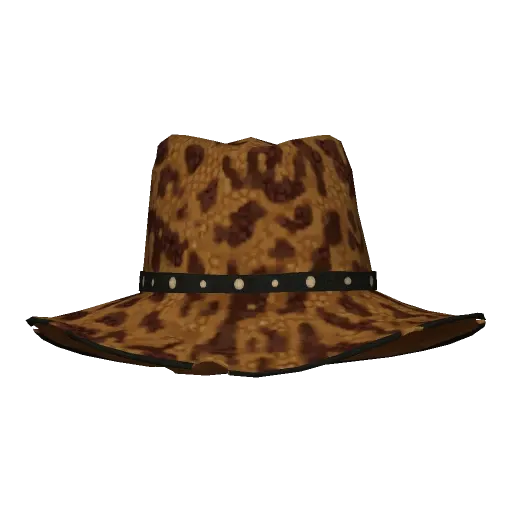
CLOTHING_
ITEM_ M_ HAT_ 037_ TINT_ 001.webp Leopard-print hat
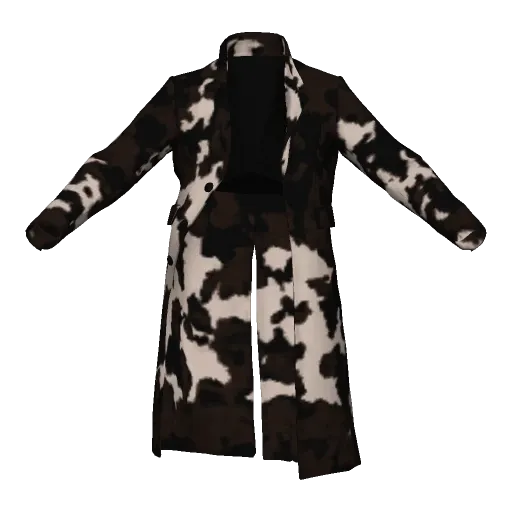
CLOTHING_
ITEM_ M_ COAT_ 404_ TINT_ 001.webp Cowhide coat
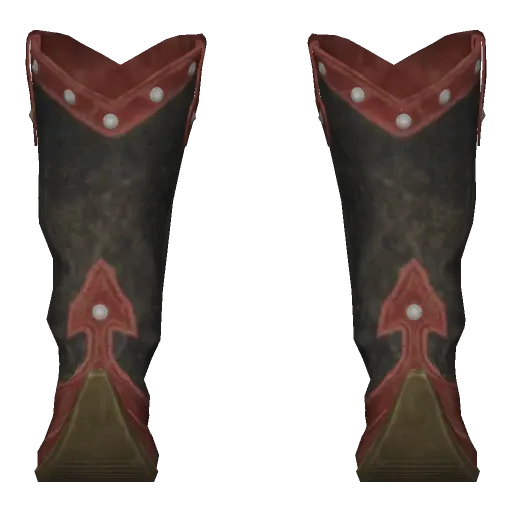
CLOTHING_
ITEM_ M_ BOOTS_ 303_ TINT_ 001.webp Embroidered boots
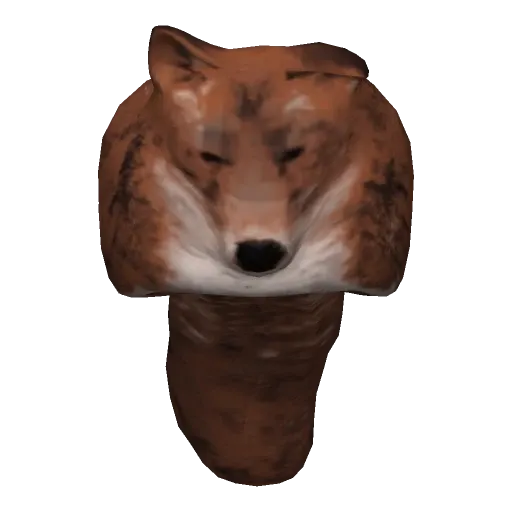
CLOTHING_
ITEM_ M_ HAT_ 311_ TINT_ 001.webp Fox-fur hat
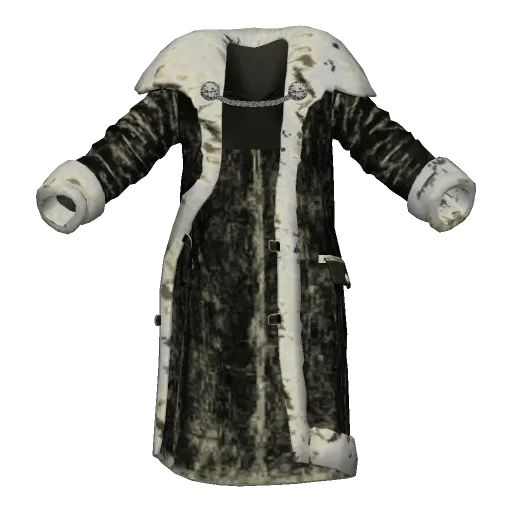
CLOTHING_
ITEM_ M_ COAT_ 307_ TINT_ 001.webp Fur coat
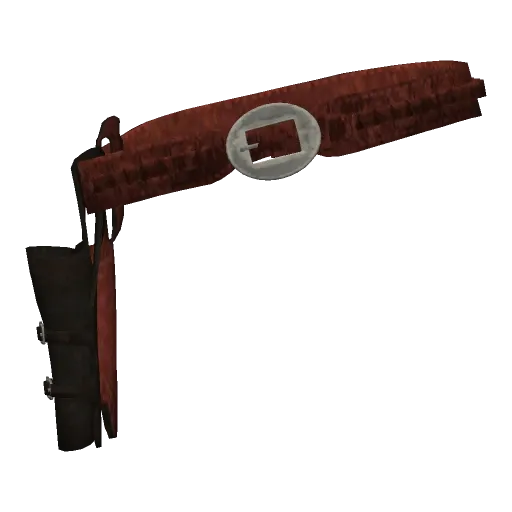
CLOTHING_
ITEM_ M_ GUNBELT_ 009_ TINT_ 001.webp Gun belt and holster
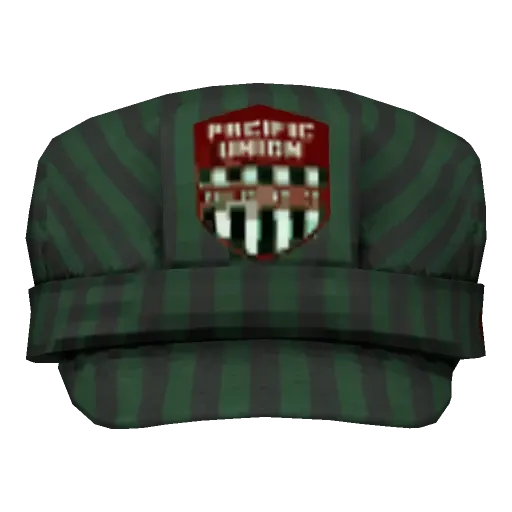
CLOTHING_
ITEM_ M_ HAT_ 402_ TINT_ 001.webp Railroad cap
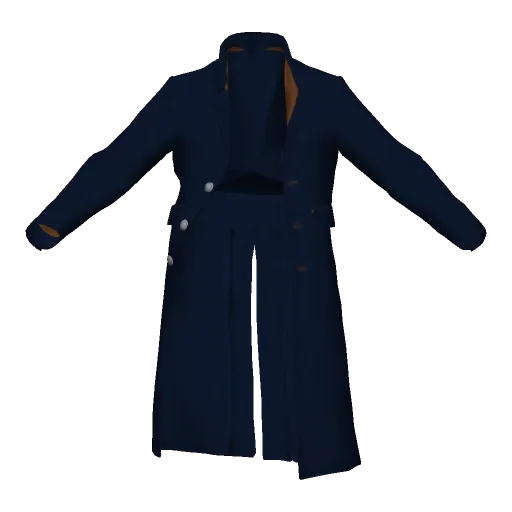
CLOTHING_
ITEM_ M_ COAT_ 011_ TINT_ 005.webp Long coat
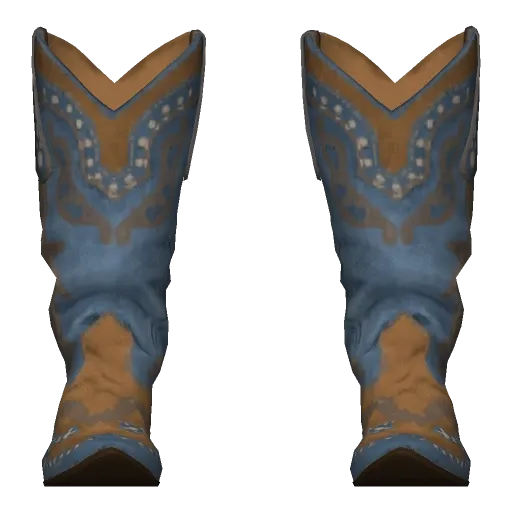
CLOTHING_
ITEM_ M_ BOOTS_ 017_ TINT_ 008.webp Stitched boots
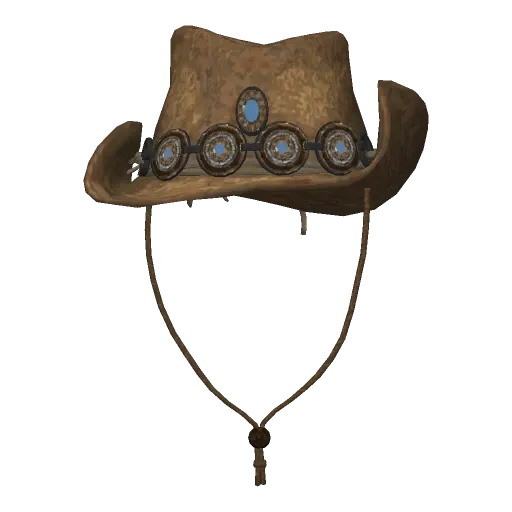
CLOTHING_
ITEM_ M_ HAT_ 304_ TINT_ 001.webp Hat with conchos
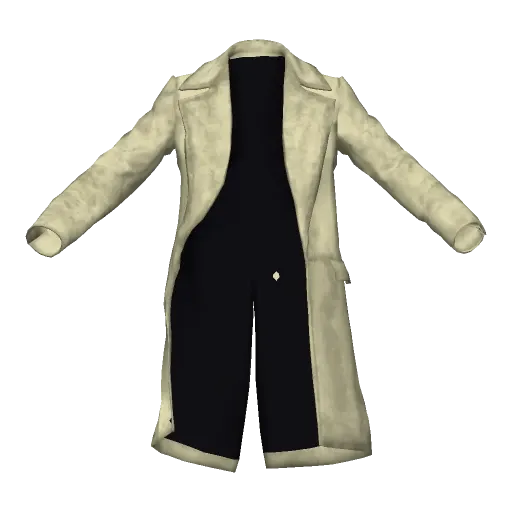
CLOTHING_
ITEM_ M_ COAT_ 023_ TINT_ 002.webp Frock coat
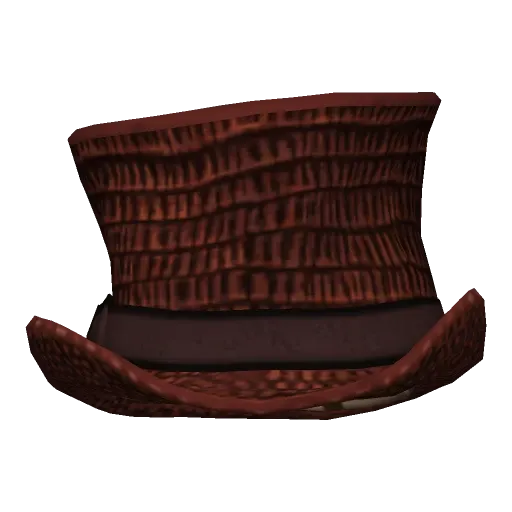
CLOTHING_
ITEM_ M_ HAT_ 034_ TINT_ 001.webp Woven top hat


One hat, 8 colours
Each colour is an item of its own: _TINT_001 … _TINT_008
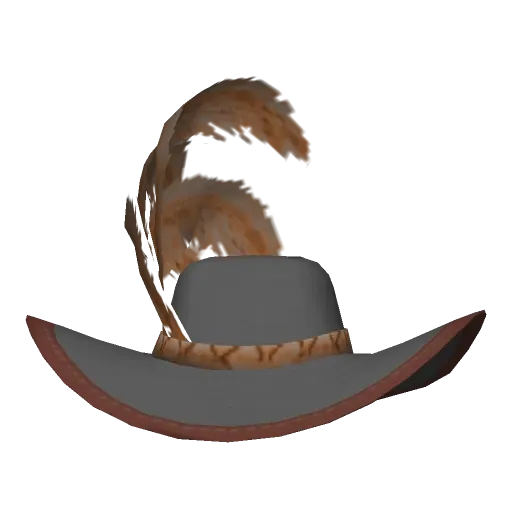
CLOTHING_
ITEM_ M_ HAT_ 042_ TINT_ 001.webp Colour 1
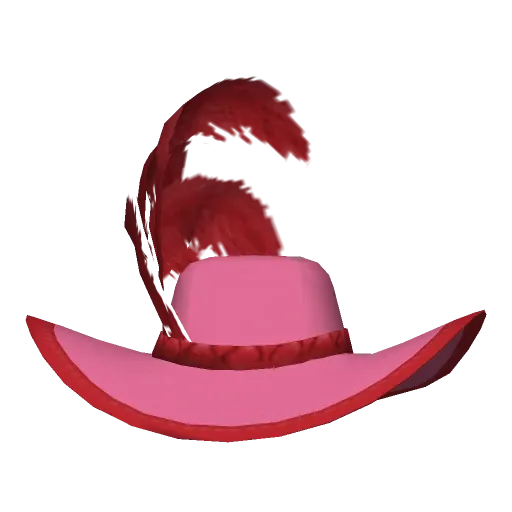
CLOTHING_
ITEM_ M_ HAT_ 042_ TINT_ 002.webp Colour 2
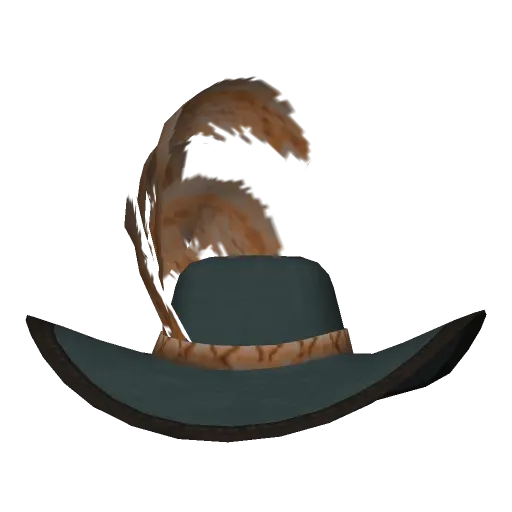
CLOTHING_
ITEM_ M_ HAT_ 042_ TINT_ 003.webp Colour 3
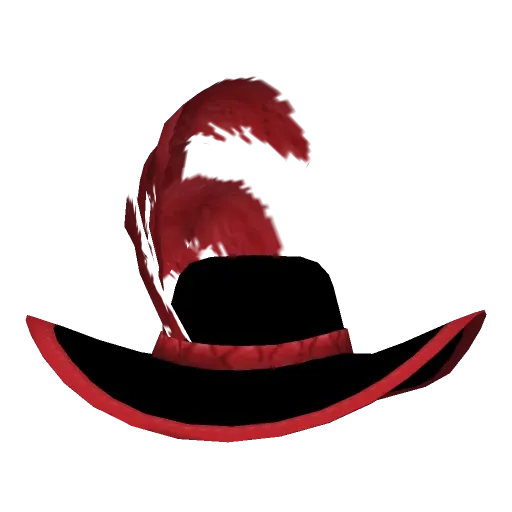
CLOTHING_
ITEM_ M_ HAT_ 042_ TINT_ 004.webp Colour 4
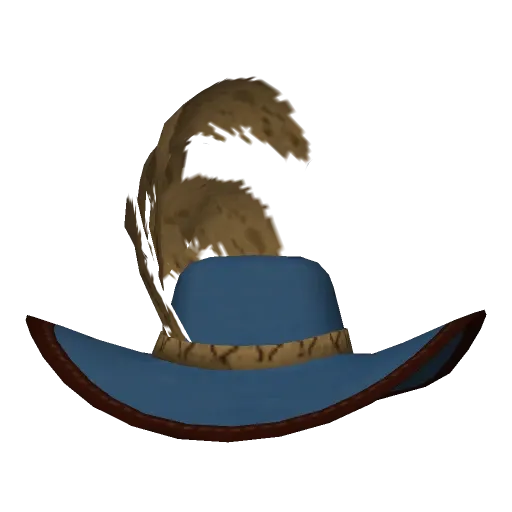
CLOTHING_
ITEM_ M_ HAT_ 042_ TINT_ 005.webp Colour 5
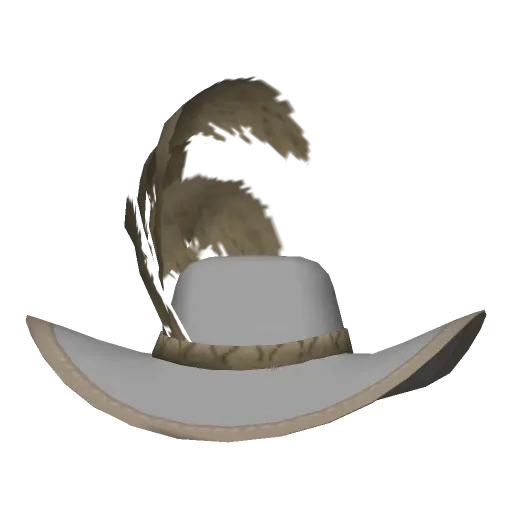
CLOTHING_
ITEM_ M_ HAT_ 042_ TINT_ 006.webp Colour 6


Horse gear
Items without a name keep their hash
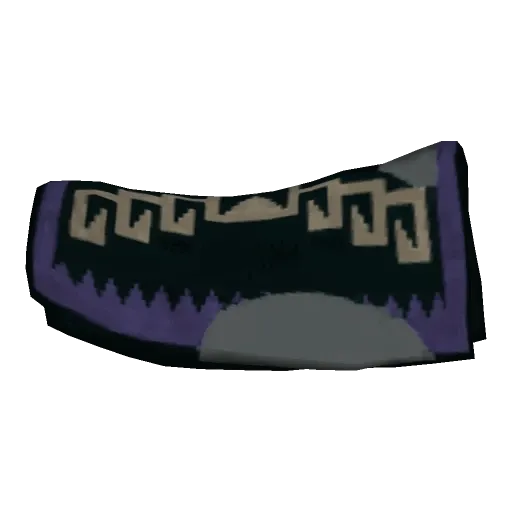
hash_
7FC85282.webp Saddle blanket
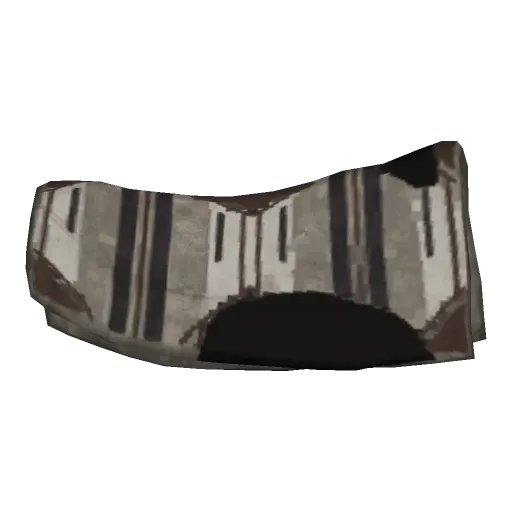
hash_
508B80B9.webp Saddle blanket
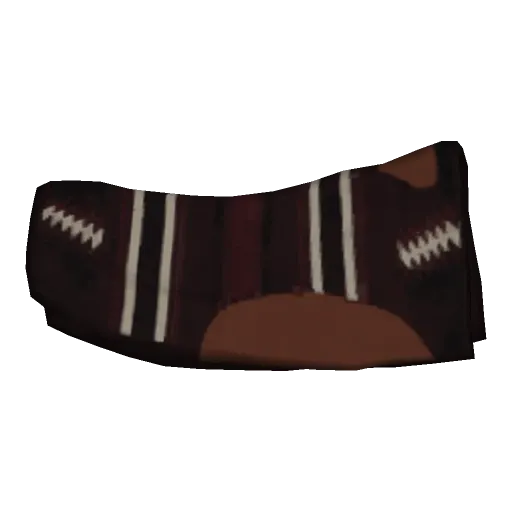
hash_
AB302059.webp Saddle blanket
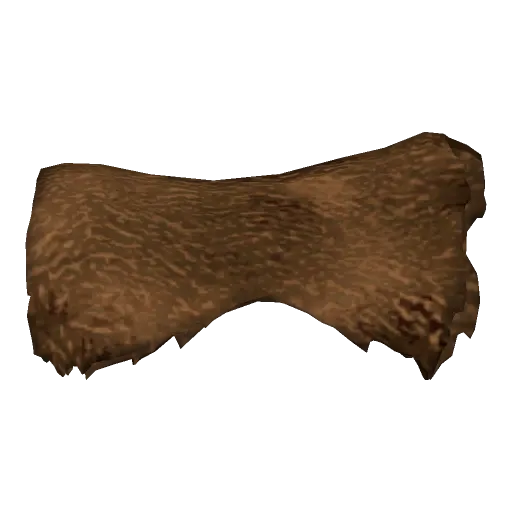
hash_
2286EE30.webp Saddle blanket


At a glance
0.10.0
the RPFView version that brings RedM clothing images
15,818
items in the game's clothing list: clothing for men and women, and horse gear
0
screenshots taken in game: the images come straight from the game files
Free
like all of RPFView: no account
01Thumbnail Generator
Every outfit and saddle, one image each
The Thumbnail Generator FiveM servers use reads Red Dead Redemption 2's clothing list and draws each item with all its pieces. Weapon images are for GTA V and GTA IV only for now.
 RPFView – Thumbnail Generator


Every clothing item
Hats, coats, boots, gloves, gun belts and the rest, by category, from the game's lists for story mode and online. Each colour of a piece is an item of its own in the game, so it gets its own image.
Horse gear too
Saddles, blankets, manes and more, from the horse and animal lists. Their camera starts from the side, so a saddle is not seen end-on.
Named for RedM scripts
Name the files after the item, such as CLOTHING_ITEM_M_GLOVES_000_TINT_001, or after the number RedM scripts pass to the game, such as 745251899.
In the game's colours
Each item is tinted from its palette the way the game's ped shader does it, and Rockstar's placeholders (checkerboard textures, stand-in models) are left out.
02File names
Named the way your scripts look them up
Pick a ready-made pattern or type your own; the preview shows every file name before you generate. RedM scripts know an item by its hash, as a signed number: that is the Script numbers preset.
| Preset | Pattern | File |
|---|---|---|
| Item names | {category}/{item} | gloves/CLOTHING_ITEM_M_GLOVES_000_TINT_001.png |
| Item names per ped | {ped}_{mode}/{category}/{item} | male_online/gloves/CLOTHING_ITEM_M_GLOVES_000_TINT_001.png |
| Script numbers (RedM) | {category}/{number} | gloves/745251899.png |
| Hashes | {category}/{hash} | gloves/2C6BA43B.png |
Your own patterns can use {item}, {number}, {hash}, {category}, {categoryName}, {ped} and {mode}; a / starts a subfolder. The game stores item names only as hashes: RPFView knows about half of them, and names the others hash_….
03How it works
From game files to menu in three steps
- 1
Choose Red Dead Redemption 2
Pick Red Dead Redemption 2 in the game picker. Its support is a beta, and RPFView never changes a game file.
- 2
Pick a list and the categories
Thumbnails → Clothing…, then a list such as Male (online) or Horses and animals (online), and tick the categories. Choose a size up to 1024 pixels, a camera, PNG, WebP or JPG, and a name preset.
- 3
Generate and copy the folder
Generate saves one image per item, with a transparent background (except JPG). Drop the folder into your clothing menu, shop or stable.
Questions
Red Dead Redemption 2, yes, as a beta since RPFView 0.7.0: browse and search its archives, view its textures, save them as DDS or PNG and export files. Since RPFView 0.8.0 its models (.ydr, .ydd, .yft) show in 3D too, with their textures, and export as GLB or OBJ; since 0.9.0 they also open in Drawable Studio, to try and export textures (more). Its archives cannot be edited yet, and its maps open as text but are not shown in 3D yet. Since RPFView 0.10.0 the Thumbnail Generator makes images of its clothing and horse gear for RedM servers, named after the items or the numbers RedM scripts use; weapon images are not available for it yet. More on RPFView for RedM.
Yes, with the Thumbnail Generator in the Thumbnails menu. It makes an image of every clothing item in every variation, or of every weapon with its tints, attachments and camos, and shows them all in a preview before you start. Images are PNG, WebP or JPG, up to 1024 pixels, with a transparent background (except JPG).
You decide how the files are named, and ready-made presets name them the way FiveM scripts expect. Step by step: clothing images and weapon images; more on RPFView for FiveM. For Red Dead Redemption 2 it makes images of the clothing and horse gear, named for RedM scripts (RPFView for RedM).
Yes. RPFView is free to download and use today, with no account. Download it here.
Picture every outfit on your RedM server
RPFView is free for Windows. It opens Red Dead Redemption 2 (beta), GTA V Legacy, GTA V Enhanced (beta) and GTA IV (beta).
RPFView is a desktop app: it does not run on your server or inside RedM, and it is not affiliated with Cfx.re. Running a FiveM server? RPFView makes FiveM clothing images too.